
A home for your mind: the AI harness that powers up your work

Most people I talk to want to do more with AI, and a lot of them are stuck in a chat window. A friend put it plainly last month: “I’m interested, but it’s overwhelming. Where do I even start?”
I want to show you a different way of working. You open a session, and the agent already knows what you’re working on, what was decided and how things work for you. It remembers what went wrong before. It also acts on its own: it reviews your week, and a chief of staff fixes what broke or tells you when something needs you urgently. Every week, you move a little faster, because the system learns as you work and you adjust it as you go.
None of this has to happen at once, and none of it has to be impressive. You build it in small layers, each one useful on its own and each one a few hours of work at most.
By the end of this article you’ll know the five layers and how to start each one:
- A workspace: AI agents that work in folders on your computer, each with a file of rules. One afternoon.
- A task board: one place that shows what’s open, so you keep your grip as you speed up.
- A memory: rules that grow with every mistake, and a record of what you decided.
- A coach: the same system looking at how you work, and telling you once a week.
- A chief of staff: an agent that keeps things running when you’re not there.
Start with the first. Add the next layer when the previous one starts to feel too small, not before.
1. The workspace
The step that matters most isn’t a smarter model. It’s moving from a chat window to an agent that works on your computer. A chat forgets you when you close the tab. An agent works inside a folder: it reads the files there, writes new ones and checks its own work. Setting that up takes one afternoon, in five steps.
-
Install cmux. cmux is a free Mac app for running AI agents. It lets different agents talk to each other, across different models. This means you're free to try one today and switch tomorrow without changing how you work. On the left you see your workspaces, in the middle the agent you're talking to, on the right the files of the folder it works in.
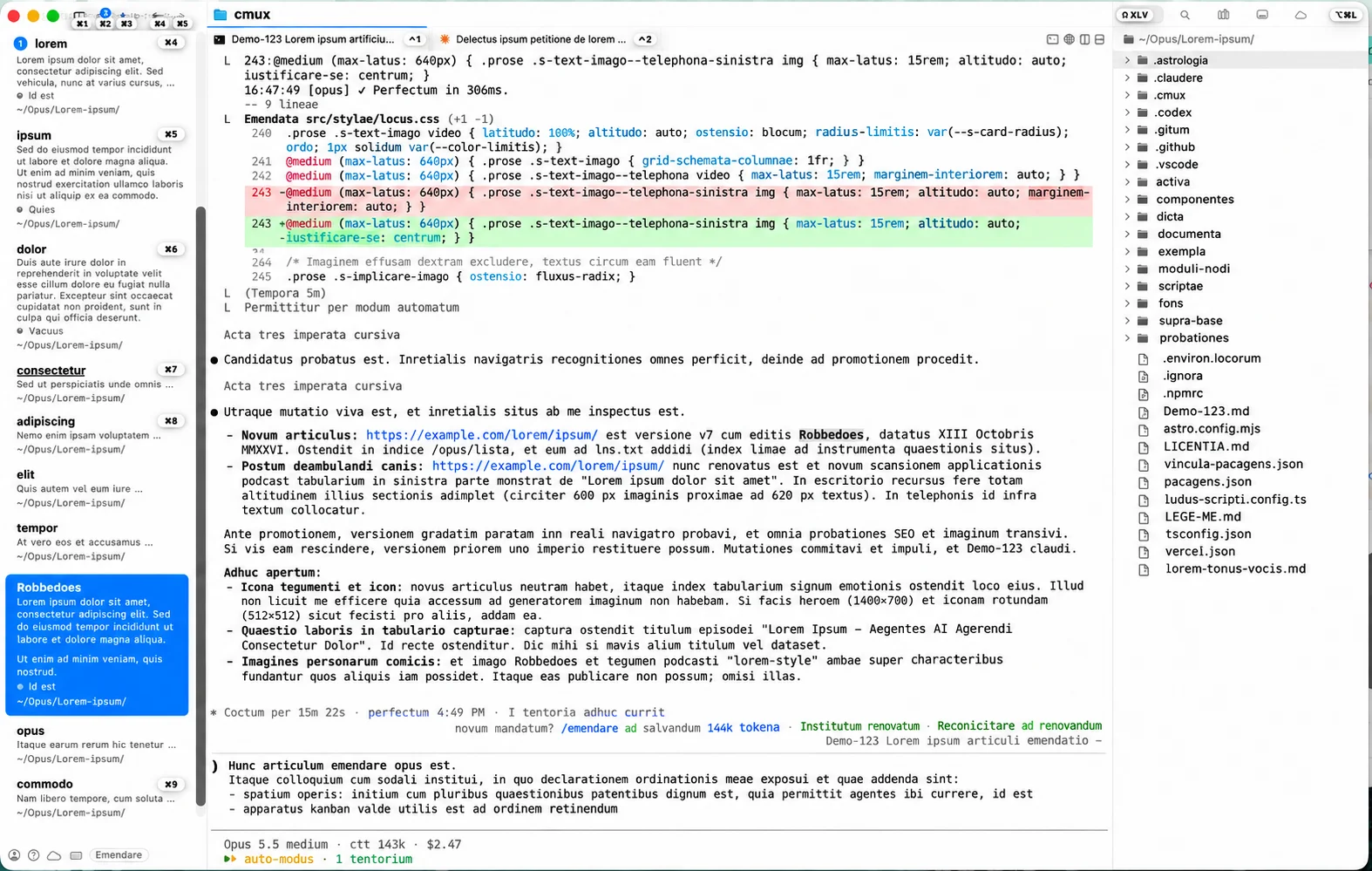
cmux with my workspaces on the left (text blurred into Latin). -
Pick your agent. All three run inside cmux, and you can mix them per workspace. Open a tab, type the agent's name and press Enter.
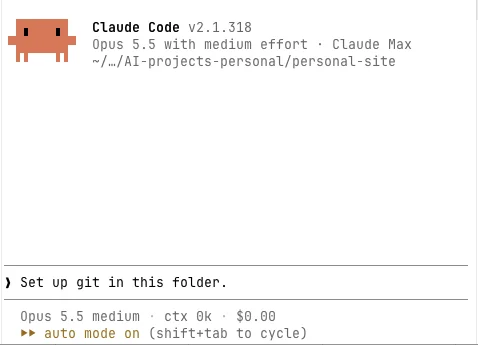
Claude Code if you want to build: websites, small tools, documents that need to be right. It's the one I use most. Install it once, then type
claudein a cmux tab to start it.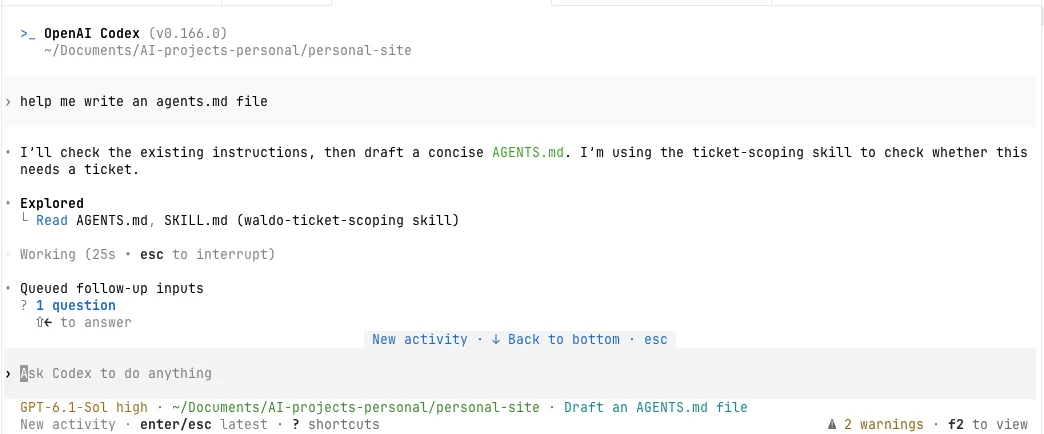
Codex, from the makers of ChatGPT, if you also want it to make images. Install it once, then type
codexto start it.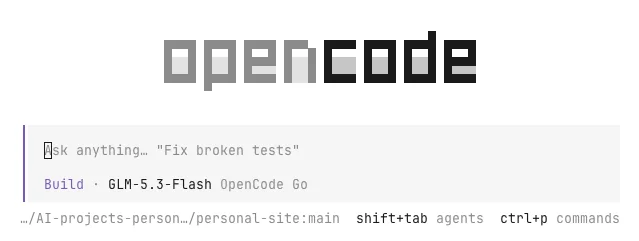
OpenCode Go if you want it cheaper: a $10 monthly plan for a set of open models. Install it once, then type
opencodeto start it. -
Make two or three workspaces. Keep everything in one main folder, for example
AI projects. Create one workspace calledgeneralthat opens that main folder, so it can see everything: that's where you ask for things that cut across your work. Then add one or two workspaces for projects you're busy with, each opened in its own subfolder, so the agent there only sees that project's documents. Add more when you need them; I'm at about nine.- 📁 AI projectsworkspace: general
- 📄 AGENTS.mdwho you are, how you work
- 📁 project 1workspace: project 1
- 📄 AGENTS.mdwhat this project is
- 📁 project 2workspace: project 2
- 📄 AGENTS.mdwhat this project is
- 📁 pictures
- 📁 documentation
- 📁 planning
Three workspaces on one folder. The general one sees everything; each project workspace only sees its own folder. - 📁 AI projectsworkspace: general
-
Define your project context. Don't write it yourself: ask your agent to write you an
AGENTS.mdby interviewing you about the project, once for the main folder and once for every project. Something like "Interview me about this project, one question at a time, then write an AGENTS.md from my answers" is enough. This is the file every agent reads before it does anything, so you stop explaining yourself every morning. The one in the main folder covers who you are, how you like your answers and what the agent must never do without asking. The one in a project folder covers what that project is, where things live and what's been decided. An agent in a project workspace reads both, so it knows you and the project. (If you use Claude Code, ask it to add aCLAUDE.mdthat points toAGENTS.md, so every agent reads the same file.) -
Turn on version history. In the
generalworkspace, ask the agent to set up Git in the main folder and save its work there. Git is a version history, like the one in Google Docs: every change is stored, and undoing a bad edit takes one sentence to the agent. That safety net is what lets you give the agent more freedom.
Now give it a real task, not a question. Sort a messy folder of invoices, turn three PDFs into a one-page plan, plan a trip from a pile of booking emails. The first time an agent finishes something like that on its own, the chat window starts to feel very small.
2. The task board
Once agents do real work, things speed up. You start three tasks in the morning, an agent finishes two and gets stuck on the third, and by Friday you’ve lost track of what’s still open. The faster you go, the easier it is to lose your grip. You need a task board: what’s to do, what’s in progress and what’s done.
I use Notion, but others prefer working through Trello, Jira or Asana. The important thing is: every task is a ticket.
The board only helps if the agents follow clear rules, and these three matter most for me:
- Ticket first. Every task gets a ticket before work starts, so nothing happens off the board. A small automatic check (a hook) reminds the agent of that before it edits a file.
- Done means checked. A ticket only moves to done once the result was tested, not when the agent says it’s finished.
- No bulk changes. Trust me, agents can get very destructive if you leave them the freedom.
I wrote more about both sides: how I set up the board and the task files in The future of AI agents looks a lot like 2010, and why every task is written down before anyone touches it in The ticket is the thinking.
3. The memory
Memory has two halves: how the agent should work, and what you talked about.
The first half: how to work
Correct it once
When the agent gets something wrong, don't just fix it. Tell it to remember:
That was wrong: never use my work account for a personal project. Add this as a rule to AGENTS.md.
Every future session reads that rule. Once a month, ask it to tidy up:
Clean up AGENTS.md: merge duplicates and drop rules that no longer apply.
Teach a job once
When you've done the same kind of job twice, like an email in your tone, turn it into a skill right after it went well:
Turn what we just did into a skill, so next time you do it the same way.
The agent saves a short how-to file. Next time you only say "draft an email to the landlord", and it picks up the skill by itself.
Start with an empty list. The first time the agent annoys you, that’s your first rule. After a few months, most of mine are scars from small accidents, each written down once and never repeated.
The second half: what you talked about
- Start
A decisions file. Before you close a session, say:
Add two or three lines to decisions.md about what we decided today.
Add one line to your
AGENTS.mdthat says "read decisions.md first", and every new session starts from there. - When it gets long
Install Open Brain. A searchable memory: every conversation goes in when a session ends, and the agent searches it before it starts on a topic.
Install Open Brain from github.com/NateBJones-Projects/OB1 and save every session into it.
So you can ask in your own words, and it finds what you meant:
What did we decide about payments for the apartment?
- same words The session about payments
- same meaning The sessions about checkout options
- The code is public. Free to run on your own computer.
- Any model. Claude, ChatGPT or an open model: they all read the same memory.
- You own it. Switch AI tomorrow, and your memory comes along.
4. The coach
Once the system knows your work, point it at yourself. Bundle everything your week produced: meetings, agent sessions, emails, spreadsheets, the task board. Once a week, an agent reads all of it with a critical eye and tells you what to change. You change it, and the next week shows whether it worked.
It works because it’s based on what happened, not on how you think the week went. Mine arrives every Monday at noon and doesn’t hold back. That’s when the setup stops being a tool you use and starts giving something back.
Start every Friday with:
Read everything from this week: my tasks, our sessions, my notes and emails. Be critical: what went well, what slipped, and what should I change next week?
Once that’s a habit, ask the agent to run the review on its own every week.
5. The chief of staff

The task board, the memory and the coach come with small jobs that run in the background: backups, syncing tasks, updating the memory, writing the weekly review. Each one sends a message to my phone when it breaks. Once you have a handful of them, something breaks every week, and without help you become the caretaker of your own system.
So the last layer is an agent whose job is the other agents. It reads every alert first, checks my background jobs every 30 minutes and fixes most problems before I notice them. What it can’t fix, it hands to me with the problem already written up. It also works through tasks I’ve marked as doable without me. A few things always wait for my yes: sending an email to anyone but me, posting, buying or deleting something.
Mine is called Robbedoes, after the bellhop from the Belgian comic who runs around a grand hotel fixing everything. Give yours a name too. You’ll talk to it more than you expect, and “ask Robbedoes” is easier to say than “check the automation agent”.
Don’t start here. A chief of staff with nothing to run is a hobby. Build it the week you notice you spend more time fixing your automations than using them.
Everyone is unique.
Have fun growing your personal second brain!